
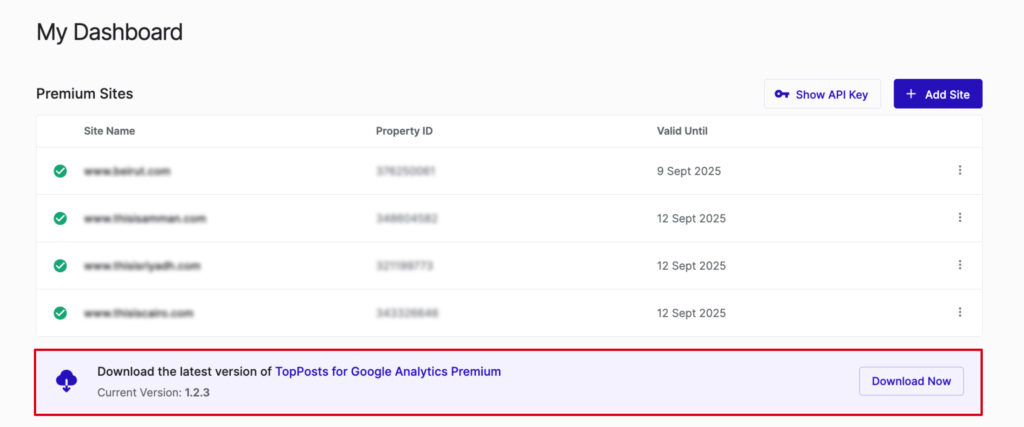
After upgrading your site to the premium version or adding a premium site, it will appear in the premium list on your dashboard page. You will be provided with a new API key specifically for premium sites. Additionally, a banner will be displayed with a button to download the premium version of the plugin.
To install the premium plugin:
- Click the download button in the dashboard to obtain the plugin file.
- In WordPress, go to Plugins > Add New.
- Upload and install the downloaded plugin file.
Please make sure to deactivate the free version to avoid any conflict. - Once activated, navigate to the configuration page. And Click on “Get your API Key here”

- It will take you to the Dashboard tab, where you can click the “Complete Setup” button to automatically configure the API key.

- Enjoy the premium features!